
Website accessibility means making sure your site can be used by as many people as possible, including people who are blind or partially sighted, people who can't use a mouse, and people with hearing loss or cognitive impairments. GOV.UK points out that at least 1 in 5 people in the UK have a long-term illness, impairment or disability, and many more have a temporary one.
There is also a legal side, which is where most of the confusion lies. This guide explains what the law asks of private businesses and what it doesn't, what the WCAG standard means in practice, and the fixes worth making first. It's a general guide rather than legal advice, so speak to a solicitor if you need a view on your own position.
What UK law asks of private businesses
The detailed accessibility regulations that name a technical standard apply to the public sector. Public bodies have to meet WCAG 2.2 AA and publish an accessibility statement under the Public Sector Bodies Accessibility Regulations 2018. Most private businesses aren't covered by those regulations.
Private businesses that provide services to the public are covered by the Equality Act 2010 in England, Scotland and Wales, and by the Disability Discrimination Act 1995 in Northern Ireland. The Act includes a duty to make reasonable adjustments for disabled people, and that applies to services provided online as well as in person. The Act doesn't name a web standard, but WCAG is the yardstick most people use to judge whether a site is reasonably accessible.
Where the European Accessibility Act comes in
The European Accessibility Act is EU law, so it doesn't apply to UK businesses selling only in the UK. It does matter if you sell online to consumers in the EU. Its requirements have applied to e-commerce services provided to EU consumers since 28 June 2025, alongside other services such as consumer banking and e-books.
The Act defines a microenterprise as a business with fewer than 10 staff and annual turnover or a balance sheet total of no more than €2 million. Microenterprises providing services are exempt from its service requirements. If you're above that size and sell to EU shoppers, check with your legal adviser how the rules apply in the countries you sell to, because each member state has its own implementing law.
WCAG 2.2 AA in plain English
The Web Content Accessibility Guidelines are published by the W3C. Version 2.2 became a W3C Recommendation in October 2023. The guidelines have three levels, A, AA and AAA, with AAA the strictest. AA is the level public bodies are asked to meet and most businesses aim for.
They're organised around four principles. Content has to be perceivable, so people can see or hear it in some form. It has to be operable, so it works with a keyboard and other input methods. It has to be understandable, so forms and instructions make sense. And it has to be robust, so it works with assistive technology such as screen readers.
The quick wins
Most sites can make real progress with a few changes.
- Colour contrast. WCAG asks for a contrast ratio of at least 4.5:1 for normal-sized text against its background. Pale grey text on white often fails.
- Alt text. Images that carry meaning need a short text description. Decorative images should have empty alt text so screen readers skip them.
- Keyboard use. Try using your site with only the Tab, Enter and arrow keys. You should be able to reach every link, button and form field, and see where you are on the page.
- Form labels. Every form field needs a label that stays visible, not just placeholder text that disappears when someone starts typing.
- Headings. Use headings in order to give the page a clear structure. Screen reader users often jump between headings to find what they want, and the same structure helps search engines, as our guide to page structure explains.
Why an automated checker isn't enough
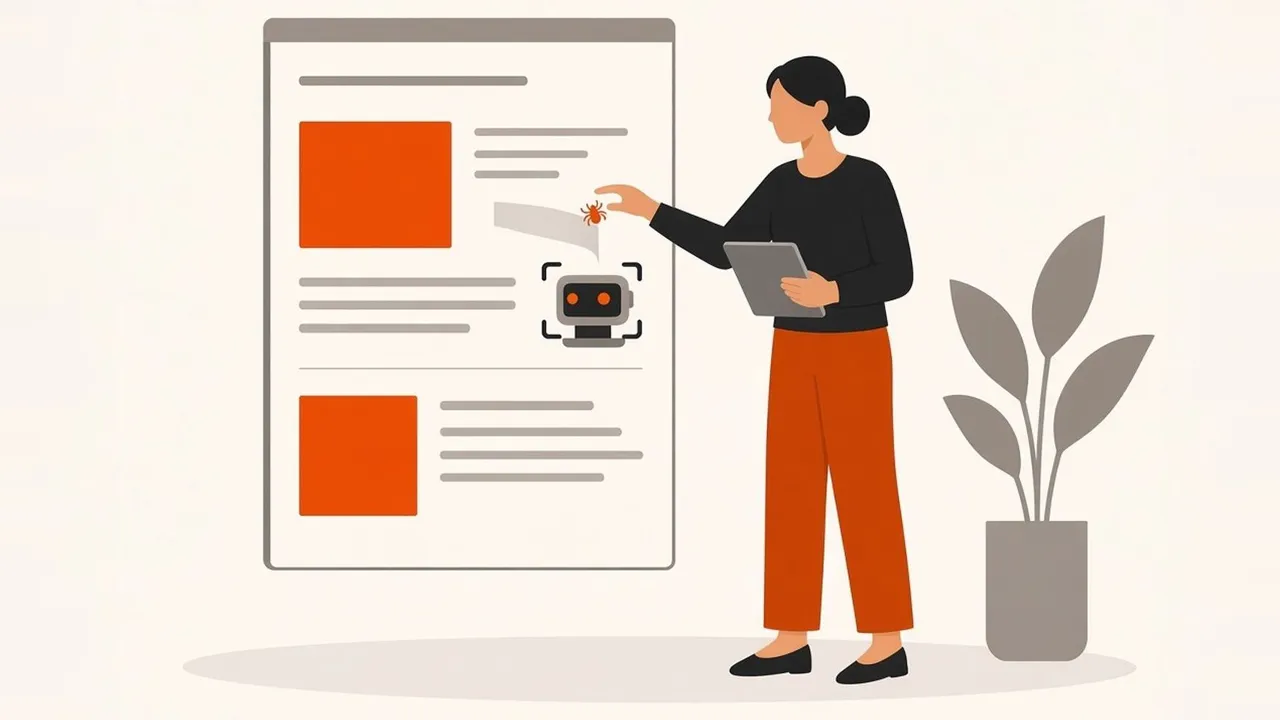
Free checkers are a good first step. They're quick at spotting missing alt text, low contrast and empty links. They can't judge everything, though. A checker can tell you an image has alt text, but not whether that text describes the image. It can't tell whether a form makes sense when read aloud, or whether a pop-up traps keyboard users.
So use a checker to find the obvious problems, then test the important journeys by hand. That means your contact form, checkout or booking flow, using a keyboard and ideally a screen reader such as VoiceOver on a Mac or iPhone or NVDA on Windows.
Do you need an accessibility statement?
Public sector bodies must publish one. For private businesses in the UK it isn't a specific legal requirement, but a short statement saying what standard you aim for, any known problems and how people can contact you for help is a sensible thing to have. If the European Accessibility Act applies to you, the rules on providing accessibility information are stricter.
Building it in from the start
Accessibility is cheaper to build in than to add later. If you're planning a new site, make WCAG 2.2 AA part of the brief for your web design project. For an existing site, fix the quick wins, then make accessibility part of your ongoing website maintenance or website care plan, so new pages don't undo the work. Faster, cleaner pages tend to help both accessibility and Core Web Vitals.
Frequently asked questions
Is website accessibility a legal requirement in the UK?
For public sector bodies, yes, with a named standard. For private businesses, the Equality Act 2010 requires reasonable adjustments for disabled people, which applies to online services, but it doesn't name a technical standard.
Does the European Accessibility Act apply to UK businesses?
Only if you provide services covered by the Act, such as e-commerce, to consumers in the EU, and you aren't a microenterprise. Selling only to UK customers doesn't bring you into scope.
Can you check my website for accessibility?
Yes. We can review your key pages against WCAG 2.2 AA and tell you what to fix first. Get in touch and we'll take a look.