A headless CMS is a content management system that stores and manages your content but doesn't decide how it looks on screen. The website, app or other display is built separately and pulls the content in. "Headless" refers to the missing "head", which is the front end that visitors see.
If a developer or agency has suggested one, you probably want to know what it means for cost, editing and day-to-day running. This guide explains how a headless CMS differs from a traditional one such as WordPress, where it helps, where it adds work, and how to decide whether your business needs one.
What a headless CMS is
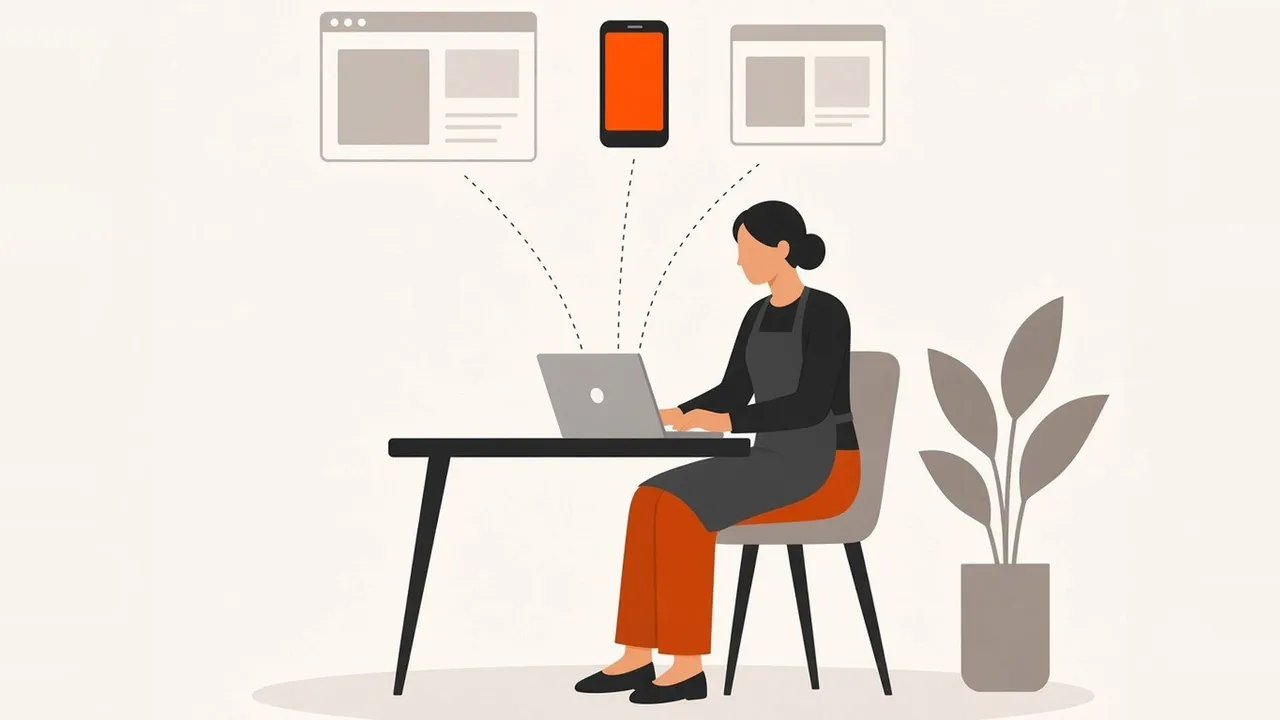
In a traditional CMS, the content and the design live in the same system. WordPress is the best-known example. You write a page in the editor, and WordPress uses its theme to turn that page into the website people visit.
A headless CMS only handles the content. You still log in, write pages and upload images, but the CMS sends that content out through an API, a standard way for one piece of software to request data from another. A separate front end, often built with a framework such as Next.js, collects the content and turns it into pages. Well-known headless systems include Sanity, Contentful and Strapi.
Sanity's own guide to headless CMSes draws a useful line between "headless" and "decoupled". A headless CMS never has a front end attached. A decoupled one separates content from code but still has some kind of front end linked to it. In practice, people use the terms loosely.
How it differs from WordPress
WordPress can work in both ways. Most WordPress sites are traditional, with themes and plugins doing the design and features. WordPress also has a REST API that sends and receives content as JSON, which means a developer can use WordPress as the content store and build the front end separately. That set-up is often called headless WordPress.
The main practical differences are these:
- Design. In a traditional CMS, the theme controls the design. With a headless CMS, the front end is built from scratch or from a framework, so the design is only limited by what your developer builds.
- Features. Traditional systems lean on plugins for things like forms, search and SEO settings. A headless set-up usually builds those features into the front end or connects separate services.
- Editing. With a traditional CMS, you often see a page much as visitors will while you edit it. Headless systems can offer live previews too, but only if they're set up.
- Hosting. A headless site has at least two parts, the CMS and the front end, which may be hosted in different places.
None of these makes one approach better in general. They change who does what, and how much of the site's behaviour is decided by your developer rather than by a theme or plugin.
Where a headless CMS helps
Speed. Because the front end is separate, it can be built to output fast, lightweight pages without the weight of a theme and a stack of plugins. Speed affects how people experience your site and feeds into Google's Core Web Vitals, although relevance and content still matter more for rankings.
One set of content, many places. If the same product details, opening times or articles need to appear on a website, an app and an in-store screen, a headless CMS lets you update them once.
Security. A front end that serves pre-built pages has fewer moving parts open to the public. That reduces some risks, such as attacks on out-of-date plugins, although the CMS and any connected services still need looking after.
Structured content. Headless systems encourage you to store content in fields, such as price, location or author, rather than in long blocks of formatted text. That makes content easier to reuse and to mark up for search engines.
The downsides
You need a developer. There's no theme to install. Someone has to build the front end and keep it working, and bigger changes to layout or features usually need that person again. Sanity's own guide lists the lack of a built-in front end, higher set-up cost and a steeper learning curve among the challenges.
More pieces to manage. You may pay for, and keep track of, a CMS subscription, front-end hosting and extra services for forms or search. That's manageable, but it's more than a single WordPress install.
Editing can feel less visual. If previews aren't set up properly, editors write in forms and can't see the finished page until it's published. That's a common complaint, and it's worth asking about before you commit.
Do you need one?
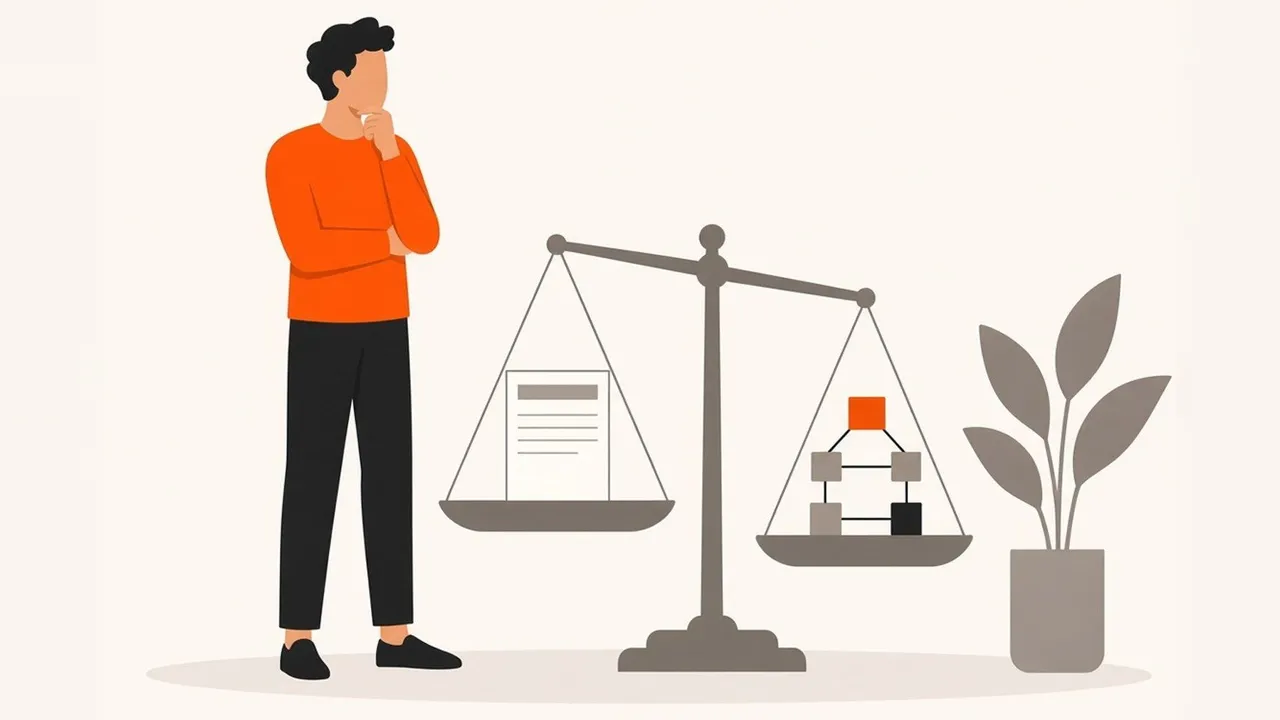
For many small business websites, the honest answer is no. If you have a few service pages and a blog, and nobody edits the site more than a few times a month, a well-built traditional site or a fast hand-coded site with simple editing will do the job for less.
A headless CMS starts to make sense when one or more of these are true:
- your team publishes often and needs a structured way to manage lots of content, such as a busy blog, case studies or locations;
- the same content has to appear in more than one place, such as a website and an app;
- speed and security matter enough to justify a custom front end;
- you're already planning a rebuild, so the extra set-up cost is part of a bigger project.
Some of the client sites we run keep their blog in Sanity, a headless CMS, with the website built separately. It works well for sites that publish several times a week, because writers get a clean editing screen and the site itself stays fast. For a site that changes once a month, it would be more than the business needs.
If you're deciding between platforms, our article with Next.js and WordPress compared goes through speed, editing, security and running costs side by side. If what you really need is a tool for customers to log in and use, rather than a site to read, read our guide on whether you need a web app or a website first.
If you're moving to a headless CMS
Switching CMS is a website migration, even if your pages look the same afterwards. Keep the URLs that rank where you can, redirect every old URL that changes, and check titles, headings and structured data come across. Our website migration guide explains the steps. If your current site is slow and hard to change, we can rebuild a slow WordPress site with every URL redirected.
Frequently asked questions
Is a headless CMS better for SEO?
Not by itself. It can make it easier to build fast, well-structured pages, which helps. Rankings still depend on content, relevance and links, and a badly built headless site can perform worse than a good WordPress one.
Can I edit a headless website myself?
Yes. You log in to the CMS and edit content in much the same way as any other system. Ask for previews to be set up so you can see changes before they go live.
Is a headless CMS more expensive?
It usually costs more to set up, because the front end is built separately. Running costs depend on the CMS plan and hosting. For a small, rarely updated site, a simpler build is usually better value. Talk to us about web design or get in touch if you'd like a view on your site.